
THE MACRO PACK
Hide and unhide sheets in one click — plus 27 more macros you import once and use in every workbook. Free, instant, yours to keep.
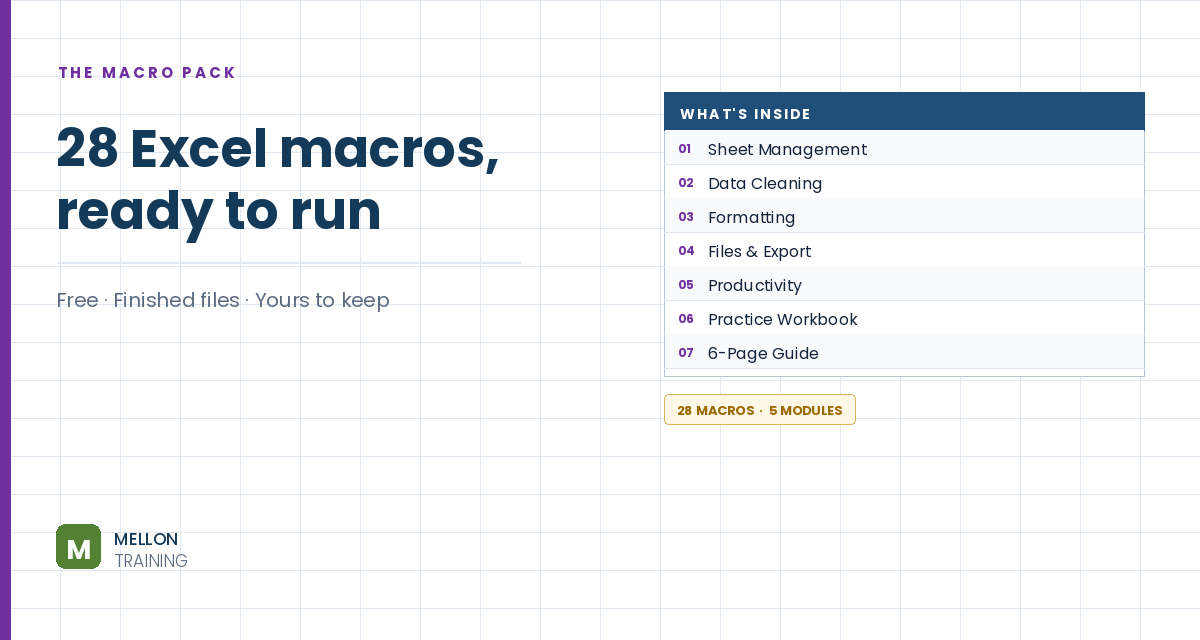
What’s in the pack
Free, instant, and yours to keep.
No spam, ever. Unsubscribe with one click.
One practical Excel tip a week.
Watch the 5-minute video or follow the written steps below. The macro pack is in the free download above.
Right-click > Hide is easy to undo: anyone can right-click > Unhide. The very hidden setting removes a sheet from the Unhide list entirely, and a VBA project password stops people undoing it from the code editor. You don’t need to write any code.
Press Alt+F11. Make sure the Project Explorer and Properties window are showing (both are on the View menu).
In Project Explorer, click the sheet you want to hide (in the example, Sheet7 (Calculations)). In the Properties window, find Visible at the bottom and choose 2 – xlSheetVeryHidden.
Press Alt+F11 to go back to Excel. The tab is gone, and if you right-click another tab, Unhide is greyed out.
Anyone who knows Alt+F11 could still change it back, so add a password. In the editor, right-click VBAProject (your workbook) > VBAProject Properties > Protection. Tick Lock project for viewing, enter a strong password twice and click OK.
Double-click ThisWorkbook in Project Explorer. In the drop-down at the top that says (General), choose Workbook. Excel adds an empty event procedure: leave it alone. It’s only there so the protection is saved with the file.
Close the editor, go to File > Save As and choose Excel Macro-Enabled Workbook (*.xlsm). If you save as a normal .xlsx, the password and the very-hidden setting are lost.
Close and reopen the file (enable content if asked). Unhide is still greyed out, and pressing Alt+F11 and trying to expand the project asks for the password. To bring the sheet back, unlock the project and set Visible to -1 – xlSheetVisible.
YOUR NEXT STEP
xlSheetVeryHidden is one property, set in one line. That’s the thing worth noticing about VBA — most of what makes Excel behave like an application is a handful of lines doing something simple. Open any module in this pack and the comments show you exactly what each line does. That’s the whole leap, and it’s smaller than people expect.
30-day money-back guarantee, handled by Udemy. No forms, no questions.
★★★★★ Join 80,000+ students
Andreas Exadaktylos · Microsoft-certified Excel instructor · mellontraining.com
WATCHING ON YOUTUBE?
11 step-by-step courses on Excel, Power BI, Python and AI, all on Udemy with lifetime access.