
We respect your privacy. Unsubscribe at any time.
Prefer reading? The same steps are written out below the video.
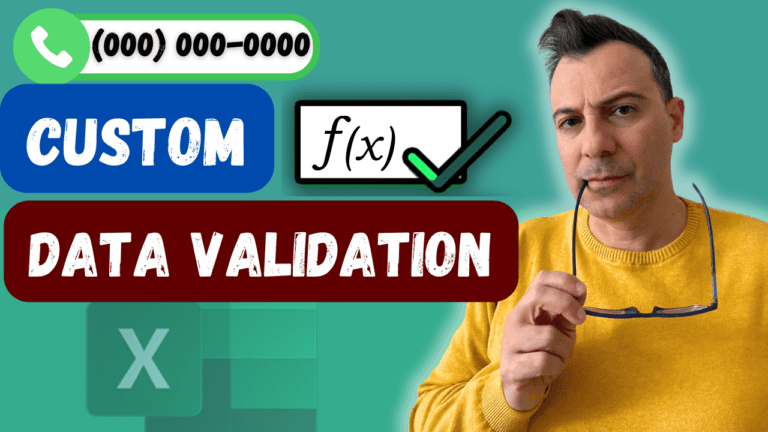
A phone number column should only accept exactly 10 digits and display them as (123) 456-7890. A custom number format handles the display; data validation rejects bad entries. You need both.
Select the phone column, right-click > Format Cells > Custom and enter:
(###) ###-####
The # is a digit placeholder. An alternative is (000) 000-0000, where 0 shows a zero when there aren’t enough digits.
Both formats work for a 10-digit number, but neither stops a problem entry: one containing a letter, fewer than 10 digits or more than 10. The format accepts the entry and simply doesn’t apply.
Select the first phone cell (C3), go to Data > Data Validation, set Allow to Custom and enter:
=AND(ISNUMBER(C3),LEN(C3)=10)
ISNUMBER checks the entry is a number (no letters). LEN checks it has exactly 10 characters. AND requires both; if either fails, Excel rejects the entry.
Type 1234567890: it’s accepted and displays as (123) 456-7890. Type a234567890, 12345678 or 12345678901: Excel shows an error and asks you to retry.
If the list is an Excel table, both the format and the validation copy to new rows automatically. Nothing can stop someone typing the wrong digits, but these two features catch most input errors.
My Excel Tips & Shortcuts: 100+ Powerful Hacks course collects a hundred time-saving techniques like this one.
Delete Thousands of Numbers Instantly in Excel! #excel #shorts
Andreas Exadaktylos May 23, 2026 18:09
Your Excel Charts Are Wrong | Here's Why & How to Fix It
Andreas Exadaktylos May 9, 2026 16:21
Master the Excel FILTER Function in 30 Seconds 📊 #Excel
Andreas Exadaktylos April 27, 2026 16:53
Build a Budget in Excel in 10 Minutes — and See If You're Actually Broke
Andreas Exadaktylos April 19, 2026 16:13
The Excel Button You’ve NEVER Used 🤫 #exceltips
Andreas Exadaktylos April 17, 2026 14:00
STOP scrolling manually in Excel! 🛑
Andreas Exadaktylos April 3, 2026 17:04
WATCHING ON YOUTUBE?
11 step-by-step courses on Excel, Power BI, Python and AI, all on Udemy with lifetime access.