Step-by-step
Interest is the price of using someone else’s money. When you borrow, you pay it; when you invest, you earn it. The amount you start with is the principal. The example invests $10,000 at 12% a year for 20 years.
1. Simple interest: the idea
With simple interest you earn interest only on the principal, so the balance grows by the same amount every year: $1,200 at 12%. After year 1 you have $11,200, after year 2 $12,400, after year 3 $13,600. The general formula is future value = P × (1 + r × n), where n is the number of years.
2. Simple interest in Excel
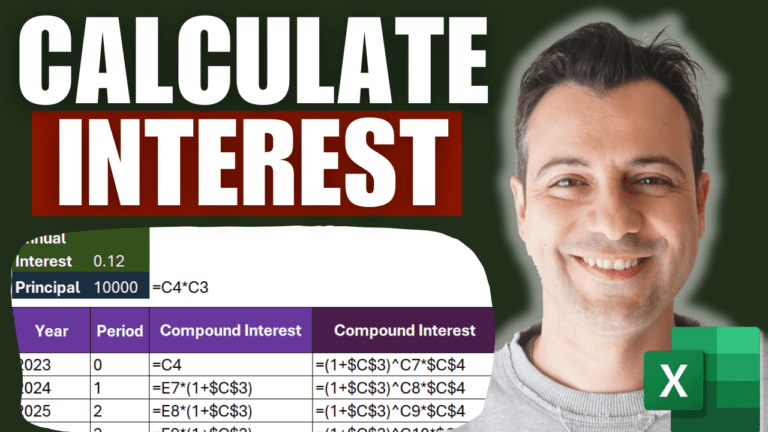
Put the principal in C4 and the annual rate in C5, and list the years 0 to 20 in column C starting at C7. In D7 (year 0), enter =$C$4. In D8:
=$C$4*(1+$C$5*C8)
The dollar signs lock the principal and rate; the year reference moves as you copy. Fill down to row 27. After 20 years you have $34,000, a straight-line increase.
3. Compound interest: the idea
With compound interest you also earn interest on the interest. Year 1 is the same ($11,200), but in year 2 you earn 12% on $11,200, giving $12,544. After five years you have $17,623. The general formula is future value = P × (1 + r)n.
4. Compound interest in Excel
Start a second column with =$C$4 for year 0. You can build it step by step, multiplying each year’s balance by (1+$C$5), or use the formula directly:
=$C$4*(1+$C$5)^C8
Both give the same result. After 20 years the balance is about $96,000, nearly three times the simple-interest total. Press Ctrl+` (the key left of 1) to show the formulas side by side.
5. Why compounding matters
Simple interest grows in a straight line; compound interest grows geometrically. Every five-year period multiplies your money by the same factor. Great when you’re investing; painful when it’s a credit card balance growing the same way.
6. The rule of 72
A quick way to estimate how long it takes to double your money: divide 72 by the interest rate in percent. At 2% it takes about 36 years, at 10% about 7.2 years, and at 30% just under 2.5 years.
Go further
My Excel Statistics & Data Analysis: Zero to Analyst course goes much further into financial and statistical analysis.