
THE AI PROMPT PACK
Tested prompts for Copilot, ChatGPT and Claude — plus the workbooks from all three of my AI videos. Free, instant, yours to keep.
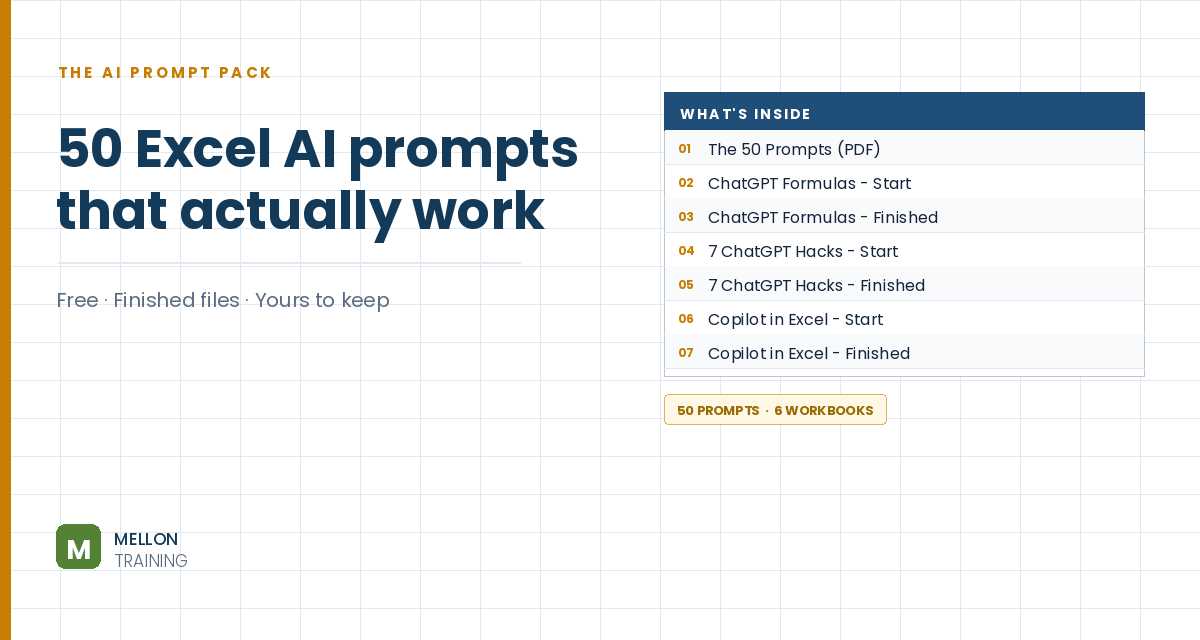
What’s in the pack
Free, instant, and yours to keep.
No spam, ever. Unsubscribe with one click.
One practical Excel tip a week.
Watch the 10-minute video or follow the written steps below. The workbook and 50 tested AI prompts are in the free pack above.
You don’t need to memorise Excel’s syntax. Describe what you want in plain words and ChatGPT writes the formula. The free version is fine. Put Excel and ChatGPT side by side.
Say where the data lives (the table name and column names, plus the sheet if another one is involved) and what result you want, in the same sentence. Ask for a beginner-friendly, minimal formula if you want the simplest version.
Prompt: I need an Excel formula that joins the contents of two columns named Country Code and Phone from a table named Customers, separated by a hyphen. Please use the table column names in the formula. ChatGPT returns something like:
=[@[Country Code]]&"-"&[@Phone]
Add a Reference column to the table and paste it in the first cell. The table fills the whole column. If the result shows an odd format, set the column to General. Ask for alternatives and you’ll also get TEXTJOIN (good for many columns, ignoring blanks) and CONCAT.
Prompt: In the same table, give me a formula that returns the percentage change between Amount and Amount Last Year. Typical answer:
=([@Amount]-[@[Amount Last Year]])/[@[Amount Last Year]]
Paste it into a new Percentage change column and click the % button (or press Ctrl+Shift+%).
Paste a copy of the table into ChatGPT, leave a blank line, and ask: I need an Excel formula that sums the Amount column in the table named tbl_Customers, but only where the Status column equals Unpaid. You’ll get SUMIFS:
=SUMIFS(tbl_Customers[Amount],tbl_Customers[Status],"Unpaid")
Describe the problem in one line, for example Your formula shows a divide-by-zero error when Amount Last Year is zero. Return a blank instead. If you’re on an older Excel, say which version, or ask for a version that works without dynamic arrays. ChatGPT can’t click buttons in Excel, so formatting is still your job.
YOUR NEXT STEP
Copilot and ChatGPT are genuinely good at producing something from nothing. What they can’t do is tell you when the answer is subtly wrong — a formula that looks right, runs without error, and quietly gives you the wrong number. Catching that takes knowing Excel yourself, which is the part worth learning.
30-day money-back guarantee, handled by Udemy. No forms, no questions.
★★★★★ Join 80,000+ students
Andreas Exadaktylos · Microsoft-certified Excel instructor · mellontraining.com
WATCHING ON YOUTUBE?
11 step-by-step courses on Excel, Power BI, Python and AI, all on Udemy with lifetime access.