
THE TIPS PACK
Custom formats, timesheets, dropdowns, barcodes — the small things nobody teaches you, all finished and working. Free, instant, yours to keep.
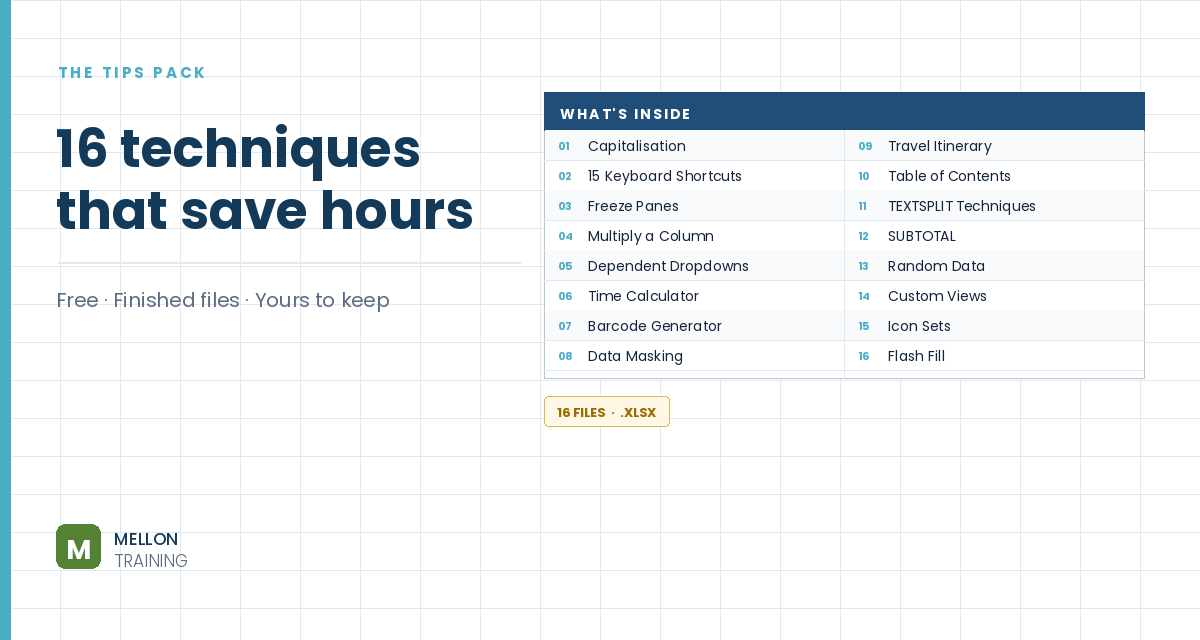
What’s in the pack
Free, instant, and yours to keep.
No spam, ever. Unsubscribe with one click.
One practical Excel tip a week.
Watch the 2-minute video or follow the written steps below.
Sometimes a number on its own isn’t clear enough. You want a label next to it, such as students, hours or kg. If you type the text into the cell, the number turns into text and stops working in calculations. A custom number format adds the label without changing the value underneath.
Highlight the cells you want to label. In the video, it’s a cell that holds the result of a formula.
On the Home tab, open the drop-down in the Number group and choose More Number Formats. In the dialog box, pick Custom from the category list and select the 0 format, since you’re working with whole numbers.
Click in the Type box after the 0 and type a double quote, a space, your text, and another double quote. For example:
0" udemy" or 0" students"
The space inside the quotes keeps the text from touching the number.
Click OK. The cells now show the number followed by your text, but each cell still holds a plain number. You can sum it, chart it and use it in formulas exactly as before.
YOUR NEXT STEP
That’s the pattern with all of these. Nothing takes long to learn, and each one pays for itself the first time you need it — but nobody ever sits you down and shows you. The course is about a hundred more of them, taught the same way: the problem first, then the fix, then why it works.
30-day money-back guarantee, handled by Udemy. No forms, no questions.
★★★★★ Join 80,000+ students
Andreas Exadaktylos · Microsoft-certified Excel instructor · mellontraining.com
WATCHING ON YOUTUBE?
11 step-by-step courses on Excel, Power BI, Python and AI, all on Udemy with lifetime access.